Solar Site Assessment Software in Australia: Practical Guide for Smarter Solar Design
If you run a solar business in Australia, you know how tight margins and time can get. A site that looks simple on Google Maps can turn into a headache once you arrive on site and realise the roof pitch, shading, or access is not what you expected. That is where reliable solar site assessment software starts to pay for itself.
This article walks through how assessment tools help Australian solar retailers and installers design better systems, cut repeat site visits, and give customers clearer numbers up front. It also shows how these tools fit into a wider CRM and workflow setup, so your team is not jumping between half a dozen systems just to send a quote.
What is Solar Site Assessment Software and Why It Matters in Australia

Solar site assessment software lets you size and design a system without guessing. It combines satellite imagery, roof measurements, shading checks and basic performance modelling so your team can see, on screen, what will actually fit and how it is likely to perform.
For Australian solar companies, this matters because:
- It reduces repeat site visits. A designer can complete most of the first pass assessment from the office, then send a sales rep or installer out once with a clear plan and checklist.
- It improves quote accuracy. You are less likely to under‑size a system or miss a shading issue that later drags down performance and leads to complaints.
- It supports clear conversations with customers. Homeowners and businesses can see layout, expected production, and simple bill impact numbers instead of vague estimates.
When this front‑end assessment lives inside your CRM, the benefits are bigger again. Leads, site notes, designs and quotes stay in one place. If you want a deeper breakdown of how design tools tie into day‑to‑day operations, have a look at SolarHub’s article on solar panel design software for Australian businesses.
Key Features to Look For in Solar Site Assessment Tools
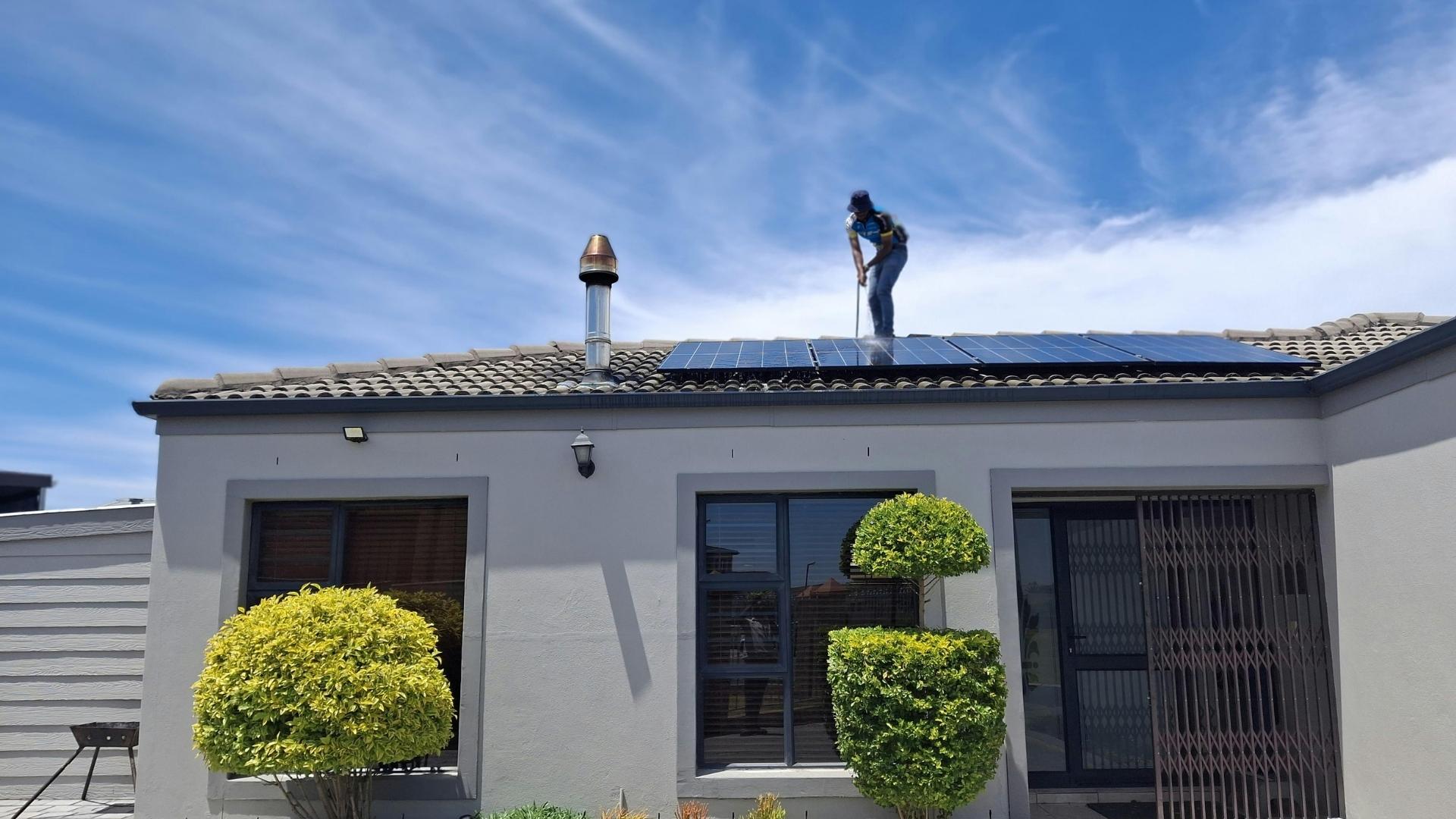
Most Australian teams do not need complex engineering software. They need tools that are accurate enough for quotes and fast enough for reps and coordinators to use during a busy day. When you assess different options, pay attention to these core features.
Shading Checks and Solar Simulation
Shading is still one of the biggest reasons systems underperform. Your software should make it easy to see how trees, chimneys and nearby buildings affect the array over the day and year.
- Simple 3D or sun‑path view. The user should be able to see where shade hits across the roof and when, without needing engineering skills.
- Location‑specific data. The tool should use Australian weather and irradiance data, so numbers for places like Adelaide, Hobart or Brisbane are realistic.
- Clear impact on production. The outcome should be obvious: how much energy is likely each month and where shading has the biggest impact.
Integrated Design and Proposal Creation
A big time saver is the link between your assessment and your quote. Once you have a roof layout, you should not need to re‑enter that information into a separate quoting tool.
- Drag‑and‑drop layout. Designers can place panels on the roof, adjust pitch and azimuth, and see the array size update in real time.
- Battery options built in. As more customers add batteries, the tool should let you size storage against the expected generation profile.
- One‑click proposal. The system should turn your design into a branded quote with pricing, production estimates, and key assumptions already filled in.
Platforms like SolarHub combine quoting, design and CRM in the same system, so the layout you create during assessment flows straight into a proposal. If you want to go deeper on the design side, see this breakdown of solar system design software options for Australian teams.
Data and Performance Forecasts: Customers Understand
Most customers do not want a technical report; they want to know how the system will affect their bills and how long it will take to pay off. Good assessment tools help you turn technical data into practical numbers.
- Expected annual production in kWh, based on local conditions.
- Simple bill reduction estimates using realistic tariffs and usage patterns.
- Plain breakdown of key assumptions, such as self‑consumption rates and export limits.
For commercial jobs, being able to export this data into your CRM and reporting stack helps owners and facility managers see the business case clearly, especially when they manage multiple sites.
Why Linking Site Assessment with CRM and Workflow Matters
Running your assessment tools in isolation means more copy‑and‑paste, more missed notes, and more time chasing updates. When site assessment lives inside your CRM and job management platform, your whole team can see the same information.
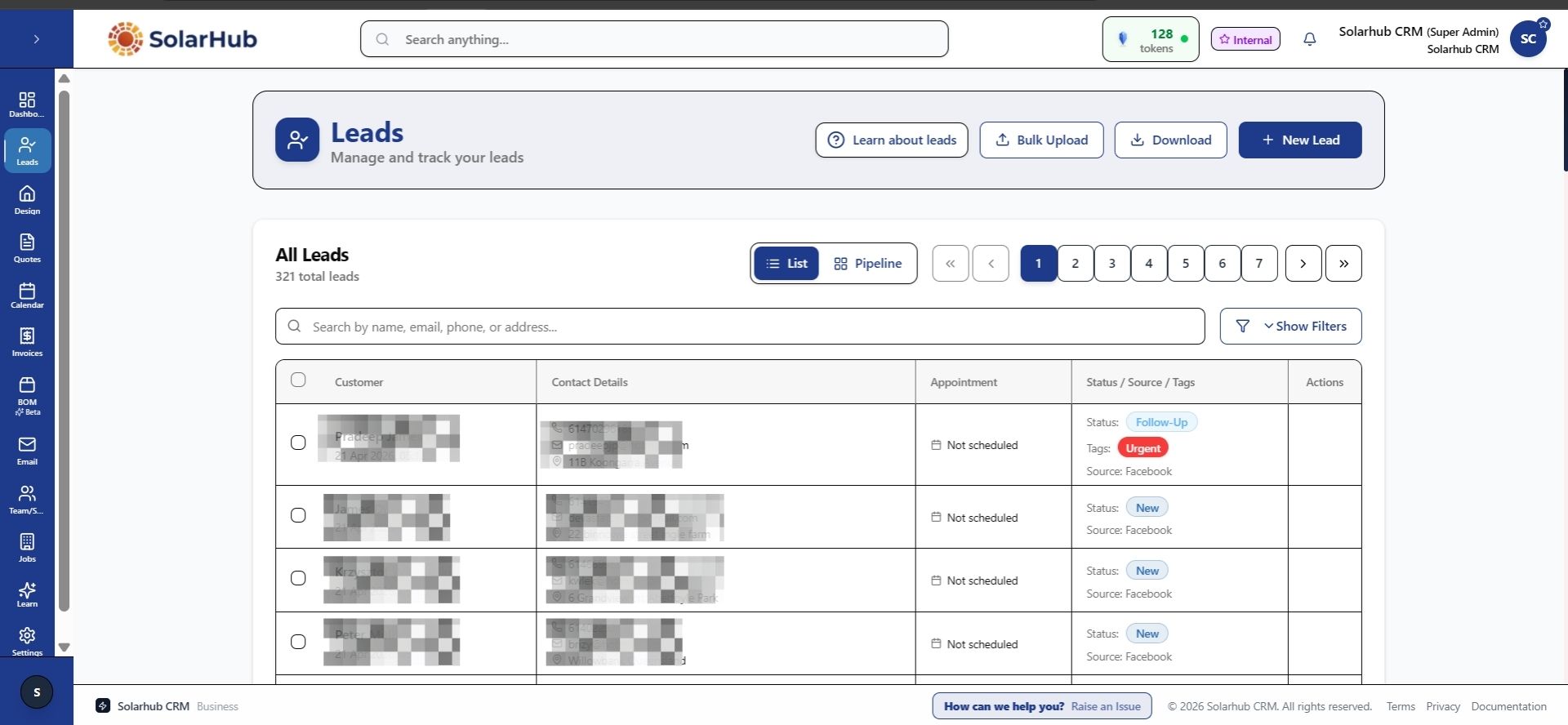
A platform like SolarHub CRM is built for Australian solar retailers and installers and connects assessment, quoting, contracts and scheduling inside one system. It replaces scattered spreadsheets and one‑off design tools with a single workflow that your sales, design, and install teams can share. You can see how this works in practice in SolarHub’s overview of solar business management software for Australian solar businesses.
Typical Workflow for a 5–10 Person Solar Team

- Lead captured. A lead arrives from a web form, phone call or referral and is logged in the CRM with basic property details.
- Initial desktop assessment. A designer or sales coordinator uses site assessment tools to check roof size, likely array layout, and obvious shading issues.
- Quote prepared. The same system pulls in pricing, hardware and production numbers to build a quote in 5–10 minutes instead of later that day or the next day.
- Customer review. The customer receives a proposal with a clear layout, expected production and payback, along with options such as battery add‑ons.
- Job scheduled. Once accepted, install dates, installer allocation and any pre‑site checks are managed through the same calendar and job tracking tools.
When a team runs this way, owners and operations managers can see where each job is up to without asking for updates. It also becomes much easier to train new staff because there is one standard process and one set of tools.
Comparing Standalone Assessment Tools and Integrated Platforms
Some businesses still use standalone design and simulation tools alongside a separate CRM or spreadsheet. Others prefer an integrated system where assessment, quoting and job management live together. Here is a simple way to think about the differences.
| Aspect | Standalone Design / Simulation Tools | Integrated Platform (e.g. SolarHub CRM) |
|---|---|---|
| Primary use | Detailed design and performance modelling used mainly by engineers and senior designers. | Day‑to‑day lead, design, quoting and job management used by sales, operations and install teams. |
| Who benefits most | Engineering‑heavy businesses working on complex commercial or utility jobs. | Retailers and installers with 3–30 staff who need one system for sales and operations. |
| Impact on workload | Often requires manual transfer of layouts and numbers into separate quotes and CRMs. | Cuts admin by keeping site notes, designs, quotes and contracts in one place. |
| Time to train staff | New staff may need days of training to use the software safely. | Most team members can be productive in a few sessions because the tools follow the sales and install workflow they already know. |
| Fit for Australian residential work. | Can be more depth than needed for simple home systems. | Designed around common Australian home jobs, feed‑in limits and tariff structures. |
| Connection to CRM | Usually limited or relies on exports and manual updates. | Built‑in CRM with lead stages, tasks, email tracking and reporting. |
If you are looking to reduce double-handling and errors, an integrated platform tends to make more sense. For a breakdown of how CRM and design work together, see SolarHub’s guide on solar CRM software for Australian installers.
How SolarHub CRM Uses Site Assessment in Everyday Work
SolarHub CRM is built specifically for Australian solar businesses. It combines lead management, solar design and quoting, contract management, job tracking and reporting inside one platform, so you are not managing five different tools to get one job installed.
Here is how site assessment fits into the wider SolarHub workflow for a typical 5–15 person retail or install team:
- Lead captured and qualified. Web leads, phone enquiries and referrals land straight in SolarHub. The team records property type, roof material and key questions.
- Desktop assessment and layout. A designer checks the roof space, runs basic shading checks and sizes a system that fits both the site and the customer’s goals.
- Quote generated from design. SolarHub turns that design into a detailed quote, including production estimates and options such as battery storage.
- Contract and e‑signature. Once the customer is happy, the same system sends contracts for e‑signature, cutting out printing, scanning and chasing paperwork.
- Job scheduled and tracked. Operations staff assign installers, book dates and track progress through site visit, installation, commissioning and hand‑over.
Because everything lives in one place, owners and managers can see which jobs are stuck, which reps are moving quotes quickly, and where follow‑ups are needed. If you want more details on the CRM side, you can read SolarHub’s article on the best CRM options for Australian solar businesses.
Support, Integrations and Day‑to‑Day Impact
Software only works if your team actually uses it. For most Australian solar businesses, two things make a big difference: responsive support and sensible integrations.
With SolarHub CRM, customers have access to priority email and phone support, so when something does not behave as expected, your team can speak to someone who understands solar, not just generic software. This matters when you are trying to get quotes out same‑day or need help standardising a new workflow across a 5–20 person team.
Integrations also play a practical role in reducing admin. Connecting forms, ad platforms, and email means:
- Leads drop straight into your pipeline instead of being re‑keyed from emails or spreadsheets.
- Follow‑up emails and reminders can be automated based on quote status.
- Owners can see basic performance metrics without exporting data into other systems every week.
SolarHub’s broader overview of solar business management tools shows how these integrations support both sales and install teams.
Common Questions About Solar Site Assessment Software
How accurate is a desktop site assessment compared to a physical visit?
For most standard homes, a well‑set‑up desktop assessment using current imagery and local data will get you close enough for quoting and basic system design. Many Australian teams still send someone on site before final installation to confirm roof condition, switchboard details and access, but they often cut out at least one extra visit compared with older manual methods. In practice, that can save a few hours of travel and on‑site time per job for busy install teams.
Can site assessment tools help with battery sizing?
Yes. Modern tools let you model different battery sizes against expected solar generation and general usage patterns. For a typical three‑bedroom home in a metro area, teams might test a few battery options and then present one or two sizes that match the customer’s appetite for bill reduction and backup. The key is using realistic consumption assumptions, not just ideal figures.
Is this software suitable for both residential and commercial work?
Most assessment tools handle both, but the way you use them will differ. For residential jobs, the focus is on roof layout, bill reduction and basic payback. For commercial sites, especially larger roofs, teams lean more on detailed production profiles and financial analysis over 10–20 years. Integrated CRM and reporting helps here because you can keep all stakeholders, documents and approvals tied to the same record.
How does this reduce admin for my team?
The biggest gains come from removing duplicate data entry and reducing back‑and‑forth between staff. When your reps can create a layout, produce a quote and send a contract from the same system, you avoid chasing spreadsheets, PDFs and separate notes. Many Australian teams find they save a few hours per week per salesperson once they standardise their process around a single CRM and assessment tool.
How long does it take to get set up?
For a smaller team of around 3–5 people, it is realistic to get basics in place within a week: lead stages, key templates, and a standard quote format. Larger teams of 10–20 people usually take a few extra weeks to refine workflows, train staff, and migrate data. Having local support that understands the Australian solar market makes a big difference during this phase.
Set Up Your SolarHub CRM Workflow
Solar site assessment software is only one piece of the picture, but it has a direct impact on your quote accuracy, customer conversations and installation efficiency. When you connect that assessment layer to a CRM built for Australian solar businesses, you give your team a clearer process from first lead through to completed job.
If you want to see how SolarHub CRM handles leads, site assessments, quoting, contracts and installs in one place, visit solarhubcrm.com.au to book a demo or contact the team via the website.